
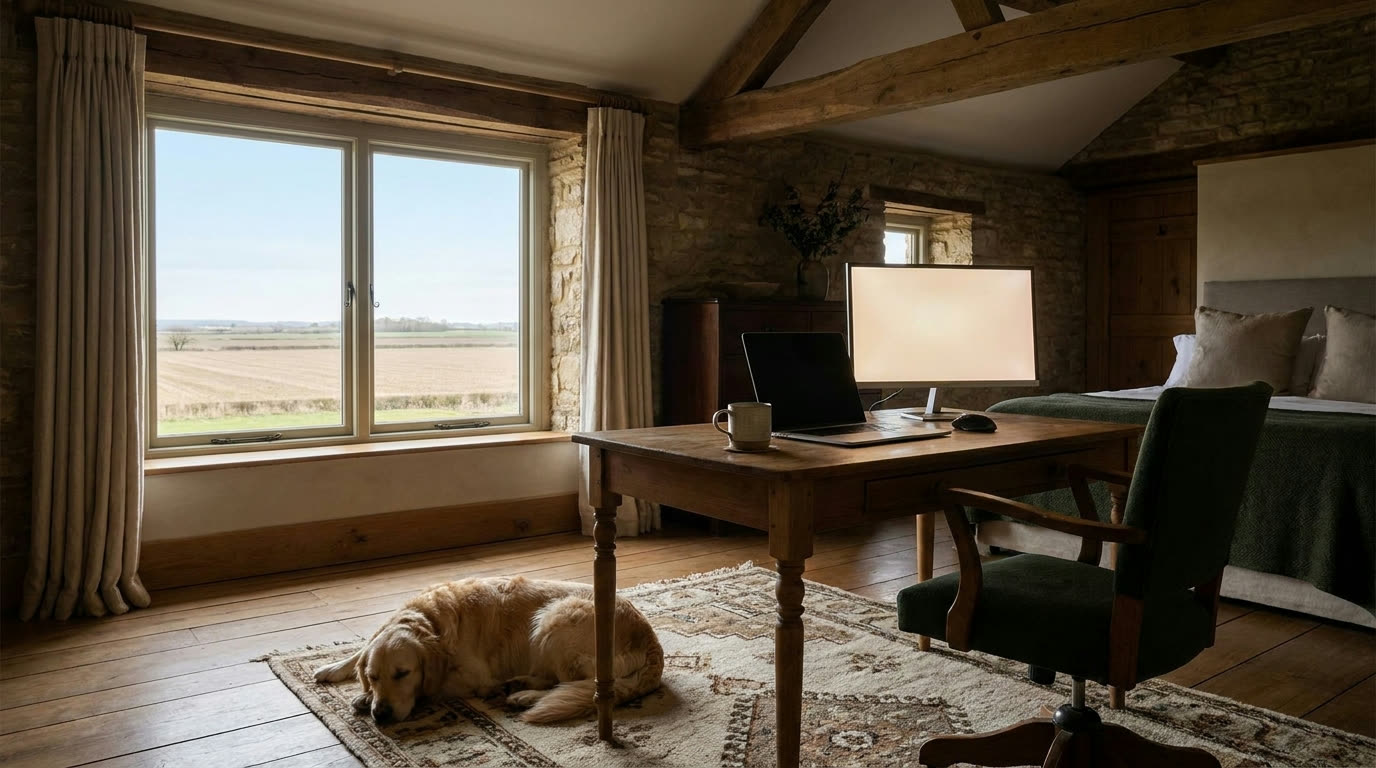
Plenty of people in the Panhandle work a full-time job from a house that’s twenty miles from the nearest office. It works fine, if the connection and the setup are right. It’s miserable if they’re not. Here’s what remote work actually asks of your internet, and how to set up so Monday morning isn’t a gamble.
The download number is not the whole story
Internet plans get sold on one big number: download speed. Remote work barely touches it. A video call, a shared screen, a VPN session, a file syncing to the company server: those live and die on three other things.
Upload. Your camera and microphone are sending video out of your house all day. So is every file you save to a company drive. If your upload is a fraction of your download (common on older rural connections and cable), you can have a fast connection that still makes you look frozen on calls.
Latency. That’s the round-trip time for a packet, the thing gamers call ping. Video calls are conversations, and every awkward “no, you go ahead” is latency at work. Old satellite service is the worst offender here, because the signal goes to space and back.
Consistency. A connection that’s fast at 10 a.m. and falls apart at 4 p.m. is worse for work than a modest connection that holds steady. Meetings don’t reschedule themselves around your neighborhood’s busy hour.
Fiber is strong on all three. Licensed fixed wireless, built right, is close behind. If you’re comparing options, ask about upload and latency before you look at the headline number.
Wire the desk
The single biggest upgrade for most home offices costs nothing extra: run an Ethernet cable from the router to the desk. Wi-Fi adds delay and drops, especially through the thick walls in older farmhouses. A wired computer skips all of that.
If a cable across the house isn’t realistic, get the router as close to your workspace as you can. Out of the closet, off the floor, away from the microwave and the metal filing cabinet. If the office is on the far end of the house, a mesh unit or an access point in the room beats hoping the signal makes it through three walls.
Test where you actually sit. Run a speed test at your desk during your normal work hours, not standing next to the router on a Saturday. That’s the number your job sees.
Share the house without a fight
Your video call and your kid’s Netflix stream can coexist. The one that causes trouble is big uploads: cloud photo backups, game console updates, somebody sending a huge video file. Those can eat the whole upload lane and stall your call.
Two easy fixes. First, schedule backups and updates for overnight (most phones, consoles, and backup apps let you). Second, if your router has a Quality of Service setting, turn it on and put your work computer at the top. That tells the router your meeting goes first when things get tight.
Plan for the bad day
Every connection, from any provider, will have a bad day eventually. The people who work from home successfully out here have a fallback ready before they need it.
Know how to hotspot from your phone, and try it once before you’re desperate. It won’t be great, but it will carry a call. Keep your laptop charged so a power blip doesn’t end your day. And save your provider’s support number in your phone, because hunting for it mid-outage is no fun. Ours is answered by a real person in Amarillo, and our techs are our own employees, so when something’s wrong on our end you talk to someone who can actually fix it.
A quick checklist
- Ask about upload and latency before you sign up for anything.
- Wire the desk if at all possible.
- Test speed where you sit, when you work.
- Push backups and big updates to overnight.
- Have a hotspot fallback tested and ready.
None of this requires a network engineering degree. It’s an afternoon of setup, and then it mostly stays out of your way, which is the whole point.
Ready to check your address?
If you’re working from home in the Texas Panhandle or northwest New Mexico and wondering whether fiber or licensed fixed wireless reaches your place, check your address or look over our plans. Or just call us at (806) 340-7320. A real person picks up.
See plans
Wondering what we can install at your place?
More from the team
All posts-
Game Day Streaming Without the Buffer Wheel
How to get the big game streaming smoothly when the whole family is over, with a few checks you can do before kickoff.
-
Extending Wifi to the Shop, Barn, or Bunkhouse
Your options for getting internet coverage out to an outbuilding, from mesh systems to point-to-point wireless, and when each one makes sense.
-
How the Panhandle Got Its Towns (and Why They Sit Where They Do)
Railroads, ranches, and a courthouse fight put nearly every town up here on the map inside about twenty years. That history still explains your internet options.