
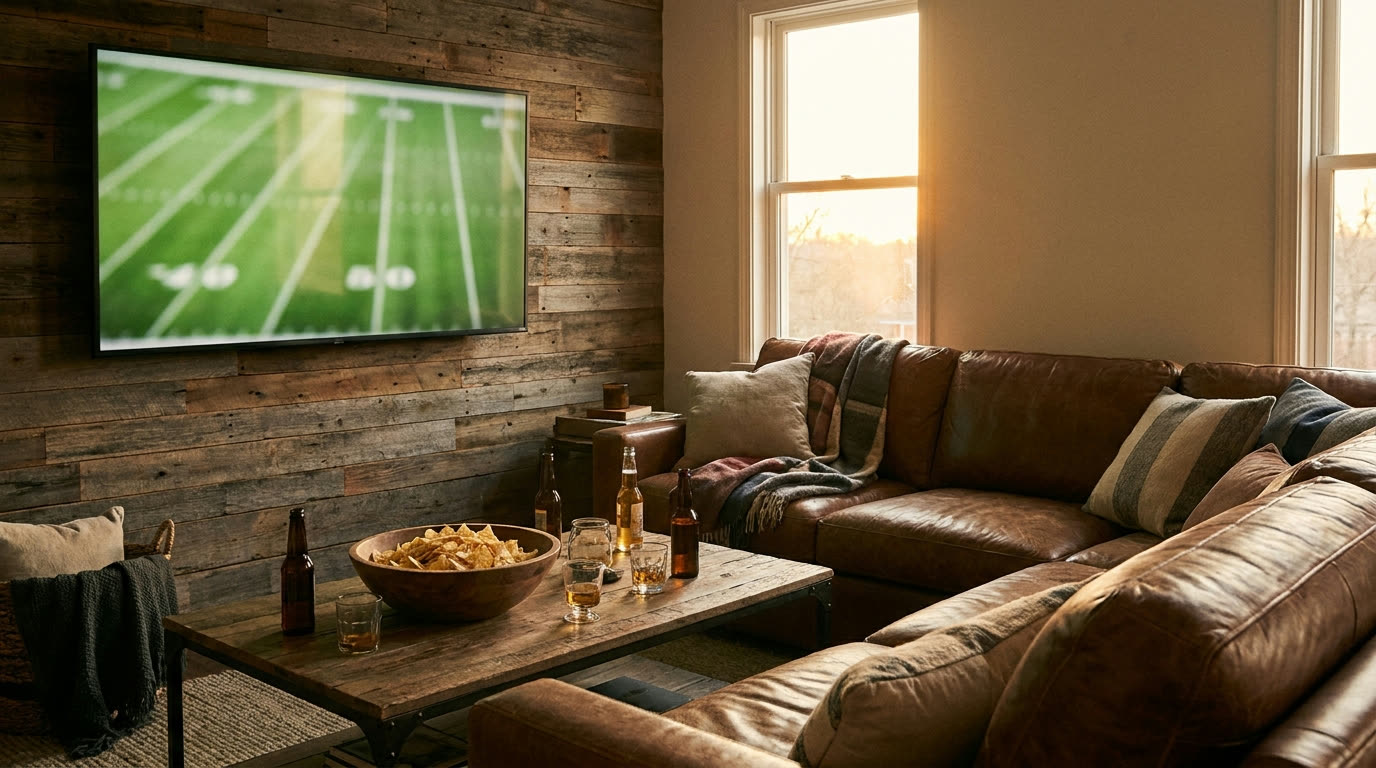
You know the moment. Fourth quarter, two-minute drill, and the screen freezes into that spinning wheel while everybody in the living room groans. The good news: most game day buffering is fixable, and most of the fixes take ten minutes or less. Here is how to get ahead of it before the family shows up.
Wire the main TV
If you do only one thing on this list, do this one. Run an ethernet cable from your router to the TV or streaming box that everyone will be watching. Wi-Fi is convenient, but it is a shared radio, and on game day that radio is crowded with a dozen phones. A cable skips the whole fight. Most smart TVs, Rokus, Apple TVs, and game consoles have an ethernet port on the back. A flat ethernet cable runs along a baseboard just fine, and nobody will notice it under the couch.
If a cable truly cannot reach, at least get the streaming box close to the router, in the same room if you can, with no brick fireplace or metal ductwork between them.
Do a test run the day before
Do not find out at kickoff that your streaming app needs a login, an update, or a new subscription tier to carry the game. The day before, open the exact app on the exact TV, sign in, and play something. Confirm the game is actually on that service, because networks shuffle broadcast rights all the time. If it plays clean for five minutes, you are in good shape.
While you are at it, restart your router and your streaming box. Unplug them, count to thirty, plug them back in. Routers are little computers, and like any computer they benefit from a fresh start after weeks of running.
Quiet the background noise
Your connection has a fixed amount of capacity, and everything in the house shares it. Before the game, go hunting for the quiet bandwidth hogs:
- Game console downloads. A kid’s console updating a game in the bedroom can eat everything you have. Pause downloads or power the console off.
- Cloud backups. Phones and laptops love to upload photos the moment they hit home Wi-Fi. Uploads can choke a connection just as badly as downloads.
- Other 4K streams. One big screen streaming the game is easy. Three TVs pulling 4K at once is a different ask. If the kids are watching something in another room, standard HD is plenty for them today.
- Security cameras. If yours upload constantly to the cloud, they are always taking a bite. Usually fine, but worth knowing about if things get tight.
Give guests the guest network
A house full of relatives means a house full of phones, all auto-connecting, all syncing photos and checking scores. If your router has a guest network option, turn it on and put visitors there. It keeps their traffic off the same lane as your TV, and it means you are not handing out your main password to your cousin’s kid who will have it forever.
If it stutters anyway
A couple of moves for mid-game trouble:
- Drop the stream quality one notch. Most apps let you pick playback quality in settings. Stepping down from 4K to HD looks nearly identical from across the room and cuts the load a lot.
- Check for a rogue device. Somebody’s phone started a backup, or a console woke up to download an update. The fixes above apply, they just apply faster in the fourth quarter.
- Restart the app, then the box. Sometimes the problem is the app itself, and a fresh start clears it.
One more thing worth knowing: buffering is not always your connection. Big national games put enormous load on the streaming services themselves, and sometimes the hiccup is on their end. If your other devices are working fine while the game stutters, the problem is likely upstream of your house.
Before the season gets serious
If you have done all of this and game day still feels like a coin flip, it may be time to look at the connection itself. We are a local company here in Amarillo, we build real fiber and licensed fixed wireless across the Panhandle and into northwest New Mexico, and our techs are our own employees, not contractors. Check your address to see what we can bring to your place, look over our plans, or call us at (806) 340-7320. A real person picks up.
See plans
Wondering what we can install at your place?
More from the team
All posts-
Extending Wifi to the Shop, Barn, or Bunkhouse
Your options for getting internet coverage out to an outbuilding, from mesh systems to point-to-point wireless, and when each one makes sense.
-
How the Panhandle Got Its Towns (and Why They Sit Where They Do)
Railroads, ranches, and a courthouse fight put nearly every town up here on the map inside about twenty years. That history still explains your internet options.
-
What Latency Actually Is (and Why Your Video Calls Care About It More Than Speed)
Ping matters more than megabits for video calls and gaming. Here's what latency is, in plain terms, and what you can do about yours.