
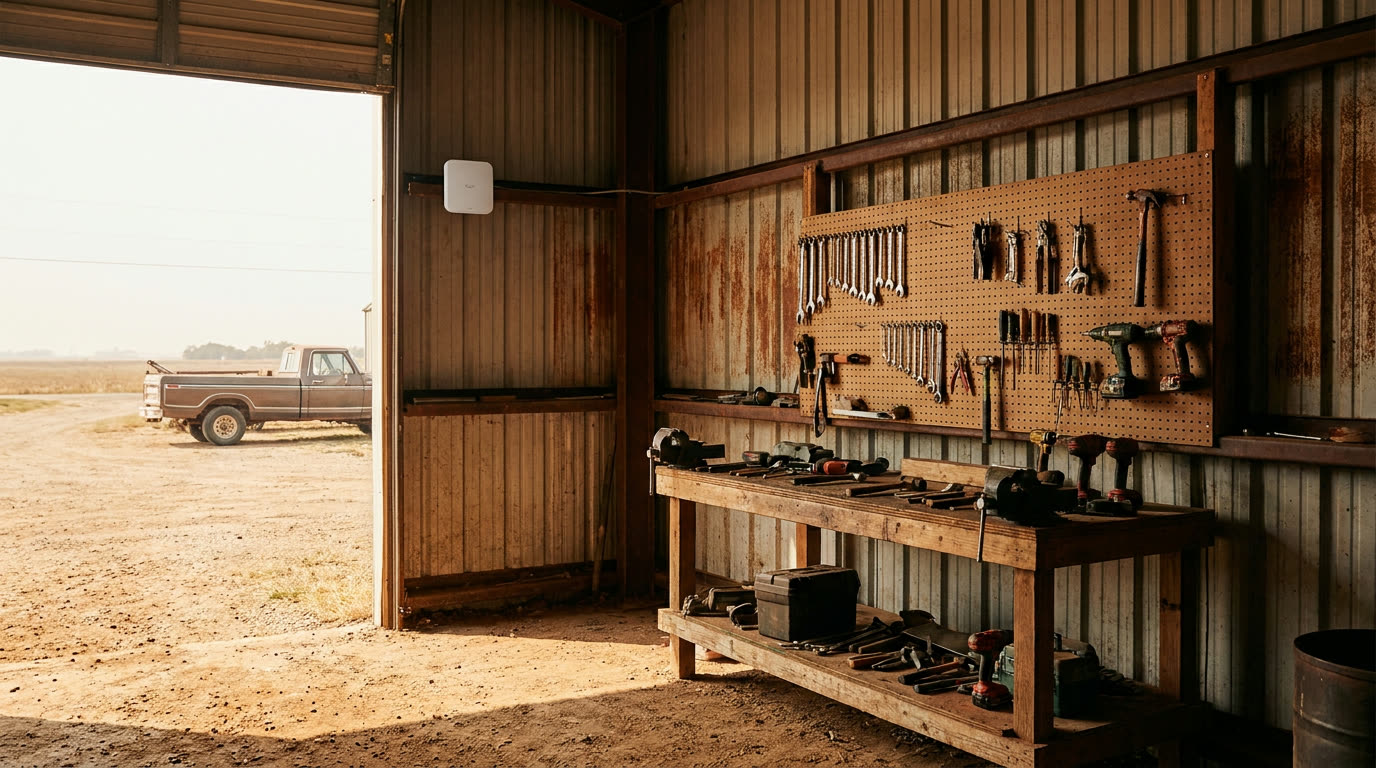
Your router covers the house fine. Then you walk out to the shop to look up a part number and you’ve got one bar, or nothing. This comes up constantly out here. The good news is it’s a solved problem. The right fix depends mostly on one thing: how far away the building is, and what’s between here and there.
Here are your options, roughly in order of distance.
First, rule out the cheap fix
Before you buy anything, check where your router sits. If it’s in a back closet or down in a corner of the house, moving it toward the side facing the shop can sometimes buy you enough signal for light use. It’s free and takes ten minutes. We wrote about router placement if you want the details.
If the outbuilding is more than 50 feet or so from the house, or it’s metal-sided, moving the router won’t get you there. Metal buildings are basically wifi-proof from the outside. Keep reading.
Mesh: good for close buildings with a clear path
A mesh system is a set of matched wifi units that talk to each other. You put one by your router and one in the outbuilding, and they hand your devices off between them. Brands you’ll see are eero, TP-Link Deco, Google Nest, and similar.
Mesh works well when the building is close (under 100 feet is a safe bet), the mesh unit in the house can sit near a window facing the shop, and the outbuilding isn’t metal. A wood-framed bunkhouse 60 feet from the back porch is the ideal mesh case.
Where mesh falls down: distance and metal. The units talk to each other over wifi, so everything that blocks wifi blocks the mesh link too. People put a mesh point inside a steel shop and wonder why it barely works. The signal is dying at the wall, same as before.
One workaround: if the building is metal but close, put the mesh unit inside a window or just under the eave where it can see the house, then let it cover the inside of the building from there.
Ethernet cable: the boring answer that always works
If the building is within about 300 feet and you can trench a line (or you already have conduit between the buildings), running outdoor-rated ethernet is the most reliable option there is. Bury it, plug a cheap wifi access point into the far end, and you have full-strength wifi in the shop forever. No radios, no interference, no fiddling.
The catch is the digging. If you’re already trenching for power or water to a new building, throw a conduit in the same ditch and thank yourself later. Use outdoor-rated (direct burial) cable, and put it in conduit anyway if you can. Gophers exist.
Past 300 feet, ethernet stops being an option. The spec doesn’t allow it, and it really does fail past that length.
Point-to-point wireless: for the far building
This is the one most people haven’t heard of, and it’s the right answer for anything far: the barn a quarter mile out, the shop across the caliche road, the well house you can barely see from the porch.
A point-to-point link is a pair of small directional radios. One mounts on the house aimed at the outbuilding, the other mounts on the outbuilding aimed back. They form a focused wireless bridge between the two, then you plug a wifi access point into the far radio. It’s the same idea we use for licensed fixed wireless, just scaled down to backyard size. Ubiquiti and Mikrotik both make popular versions.
What it needs: line of sight. The two radios have to see each other. Trees, a grain bin, or a rise in the terrain between them will hurt or kill the link. Out here, line of sight is usually the easy part.
What it costs in effort: mounting two radios, running a short ethernet cable from each one indoors, and aiming them at each other during setup. It’s a Saturday morning project for a handy person, and any local IT or antenna installer can do it if you’d rather not get on the roof.
Quick decision guide
- Building close, not metal: mesh.
- Building close, metal: mesh unit at a window, or run a cable.
- Under 300 feet and you can trench: ethernet, every time.
- Far building with line of sight: point-to-point radios.
One more note: none of this makes your internet connection itself any faster. It just gets your existing connection out to where you’re working. If the connection is the weak link, that’s a different conversation, and our plans page is the place to start.
We can point you in the right direction
We’re a local company here in Amarillo, and our techs deal with shops, barns, and metal buildings every week. If you’re a Plains Internet customer and not sure which of these fits your place, call us at (806) 340-7320 and a real person will pick up. Not a customer yet? Check your address and see if we can get you connected.
See plans
Wondering what we can install at your place?
More from the team
All posts-
Game Day Streaming Without the Buffer Wheel
How to get the big game streaming smoothly when the whole family is over, with a few checks you can do before kickoff.
-
How the Panhandle Got Its Towns (and Why They Sit Where They Do)
Railroads, ranches, and a courthouse fight put nearly every town up here on the map inside about twenty years. That history still explains your internet options.
-
What Latency Actually Is (and Why Your Video Calls Care About It More Than Speed)
Ping matters more than megabits for video calls and gaming. Here's what latency is, in plain terms, and what you can do about yours.