
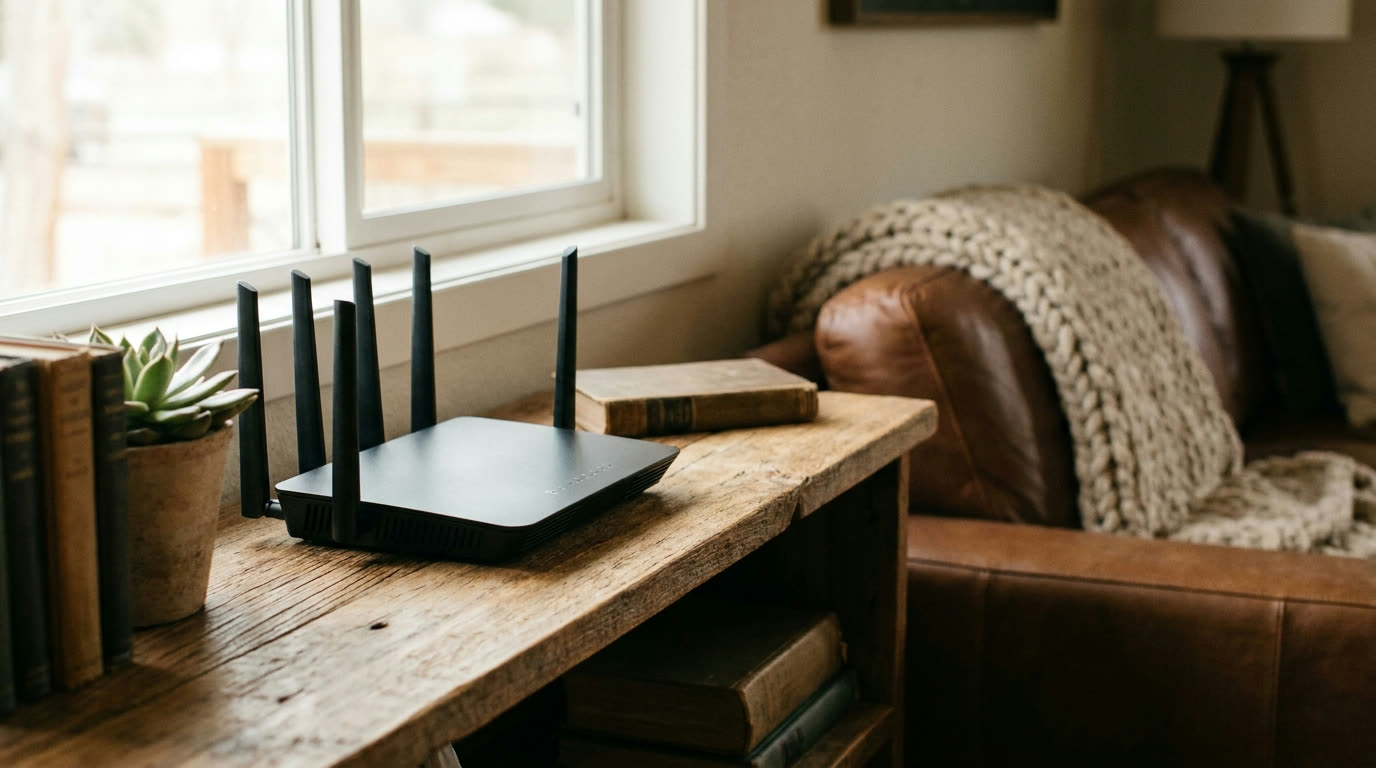
We see it all the time. A household upgrades to fiber, plugs everything into the same router they bought years ago, and wonders why the internet still feels the same. The connection coming into the house got faster. The box handing it out did not.
A router is the last leg of your internet, and it can quietly become the slowest one. Here is how to pick a good one without getting lost in the spec sheet.
Ignore most of the box
Router marketing is loud. Big numbers like “AX5400,” eight antennas, red racing stripes, the word “gaming” in a font that looks angry. Most of that tells you very little about how the thing will perform in your living room.
Those big numbers are theoretical totals added up across every band under perfect lab conditions. No device you own will ever see them. Antenna count matters less than the quality of what’s behind the antennas. And “gaming” routers are mostly regular routers with lights.
You can skip all of it. There are only a handful of things worth checking.
What actually matters
Age. This is the big one. If your router is more than five or six years old, replace it before you troubleshoot anything else. Older routers choke on the number of devices a modern household throws at them: phones, TVs, laptops, cameras, thermostats, the kid’s tablet, the shop camera out back. Each one takes a slice of the router’s attention, and old hardware runs out of attention fast.
Wi-Fi 6 or newer. Look for “Wi-Fi 6” (also written 802.11ax) on the box. It handles a crowd of devices much better than the older standards, which is the actual problem in most homes. Wi-Fi 6E and Wi-Fi 7 exist and are fine, but plain Wi-Fi 6 covers a typical household well.
Dual band, and it will be. Every current router does both 2.4 GHz and 5 GHz. The 2.4 band goes farther and through more walls, which matters in a big farmhouse. The 5 band is faster up close. You want both, and you will get both, so this one takes care of itself.
A few wired ports. Anything that sits still and matters should be plugged in: the desktop you work from, the main TV, a game console. A cable beats Wi-Fi every single time, and ports on the back of the router are how you get there.
Ongoing updates. Buy from a brand that still ships firmware updates for its routers. Updates fix security holes and bugs. A router that stopped getting them is a door nobody locks anymore. This is a good reason to buy current mid-range from a known name instead of a bargain-bin model from a brand you’ve never heard of.
Big house? Think coverage, not power
No single router covers a long ranch house, a two-story with plaster walls, and the shop across the yard. Cranking up the “power” does not fix that; walls and distance win. If your house is spread out, a mesh system (two or three units from the same kit, talking to each other) will do more for you than any one expensive box. Place the extra units where the signal dies today, and give the main unit a central spot up off the floor.
Five minutes of setup that matter
Whatever you buy, do these on day one:
- Change the admin password from the default.
- Turn on automatic firmware updates if the router offers them.
- Use WPA2 or WPA3 for your Wi-Fi password. Nothing older.
- Set up the guest network for visitors and for smart gadgets you don’t fully trust.
That’s the whole list. None of it takes special skill, and it closes the doors most people leave open.
When it isn’t the router
Sometimes the router is fine and something else is slow. Before you spend money, run a wired speed test near the router and compare it to Wi-Fi speeds around the house. If wired is fast and Wi-Fi is slow, the router (or its placement) is your problem. If both are slow, the issue is upstream, and that’s ours to look at, not yours.
If you’re a Plains customer and can’t tell which side of the line the problem is on, call us at (806) 340-7320. A real person answers, and our techs are local employees who know these houses and these towns. If you’re not a customer yet, check your address or look at our plans and see if fiber or licensed fixed wireless has reached your place.
See plans
Wondering what we can install at your place?
More from the team
All posts-
Game Day Streaming Without the Buffer Wheel
How to get the big game streaming smoothly when the whole family is over, with a few checks you can do before kickoff.
-
Extending Wifi to the Shop, Barn, or Bunkhouse
Your options for getting internet coverage out to an outbuilding, from mesh systems to point-to-point wireless, and when each one makes sense.
-
How the Panhandle Got Its Towns (and Why They Sit Where They Do)
Railroads, ranches, and a courthouse fight put nearly every town up here on the map inside about twenty years. That history still explains your internet options.